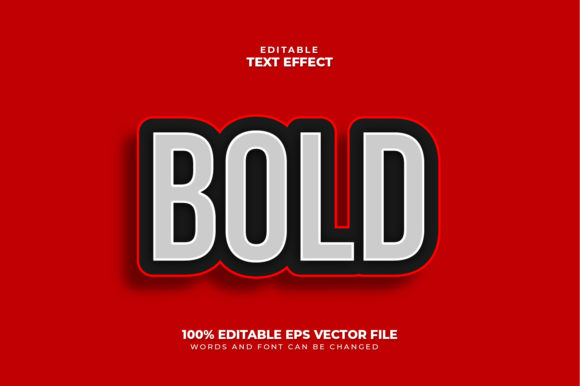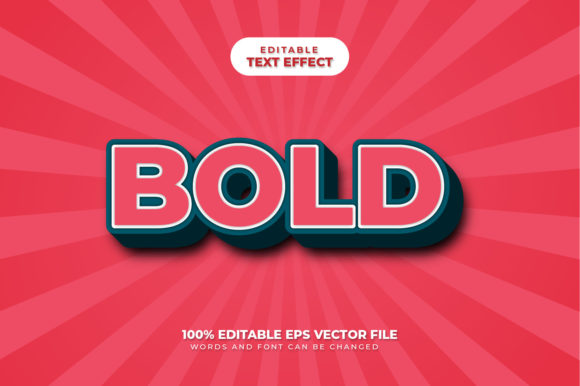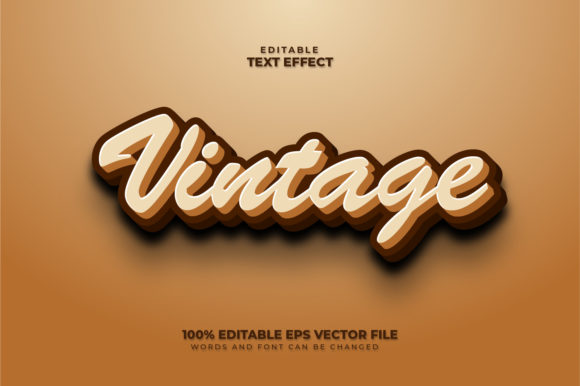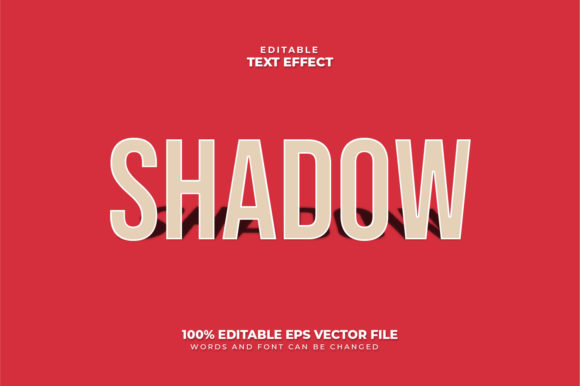
Mastering the Brick 3D Text Effect: A Comprehensive Guide to Editable Vector Design
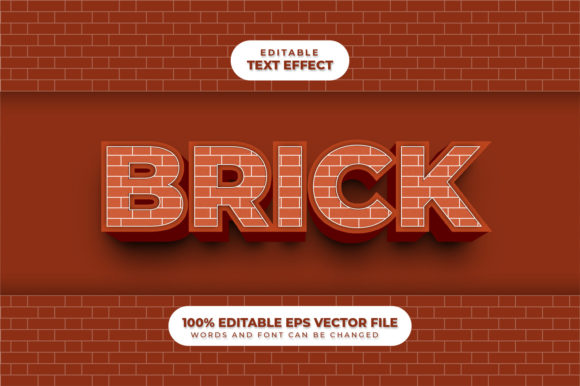
In the rapidly evolving landscape of digital design, visual impact is everything. Whether you are creating a poster for a local event, designing a logo for a startup, or crafting a banner for an online marketing campaign, standard flat text often fails to capture attention in a crowded feed. This is where specialized design assets come into play, specifically the Brick 3D Text Effect. This unique graphic element transforms ordinary words into tangible, textured structures that mimic the look and feel of real-world brickwork, adding depth, weight, and character to any project.
However, the true power of this asset lies not just in its aesthetic appeal but in its complete editability. Unlike static images that lock your content in place, this is a fully editable vector design. It empowers designers and non-designers alike to customize every aspect of the final output without losing quality. By understanding how to utilize these tools, you can create professional-grade graphics that stand out.
Understanding the Core Concept: What Is a Brick 3D Text Effect?
At its foundation, a 3D text effect is a technique used to give two-dimensional typography the illusion of three-dimensionality. When we apply a "brick" style to this effect, we are essentially mapping a specific texture and geometry onto the letters. Imagine taking the word "CREATIVE" and building it out of individual bricks, complete with mortar lines, shadows, and highlights that suggest light hitting a physical wall.
This approach serves a distinct purpose in modern communication. In business, a brick-textured headline can convey stability, strength, and durability—qualities highly desirable for construction companies, real estate firms, or even financial institutions. In education and creativity, it adds a playful, tactile element that invites the viewer to engage more deeply with the message. The effect bridges the gap between digital screens and physical reality, making the text feel touchable.
It is crucial to clarify a common misconception right away: This is not a font. Many users confuse a text effect file with a downloadable typeface. You cannot install this as a font in Microsoft Word or Google Docs to type automatically. Instead, it is a Text Font Effect design. It is a template or a layered file created in Adobe Illustrator that allows you to input your own text, which then gets processed through the brick effect engine. You can use the font included in the design package, or you can swap it out for any font you prefer, giving you limitless creative freedom.
The Power of Full Editability: Why Vectors Matter
The most significant advantage of the Brick 3D Text Effect described here is that it is a fully editable vector design. To understand why this matters, one must distinguish between raster and vector graphics. Raster images (like standard JPGs) are made of pixels; if you enlarge them too much, they become blurry and pixelated. Vector graphics, however, are made of mathematical paths. They remain crisp and sharp at any size, from a tiny mobile icon to a massive billboard.
This specific design file ensures that you can enlarge or reduce it to the size that you want without any loss of quality. This scalability is vital for businesses that need consistent branding across various media channels. You might design a logo on a laptop screen and later need to print it on a storefront window; with this vector format, the transition is seamless.
The editing process is designed for maximum efficiency. As stated in the product features, just click and type the text you want. The interface is intuitive, allowing you to modify:
- Words and Content: Change the message instantly to suit different campaigns.
- Fonts: Swap the typography while retaining the 3D brick structure.
- Size: Adjust the scale of the entire composition effortlessly.
This flexibility means you are not locked into a single pre-made image. Instead, you have a dynamic tool that adapts to your specific needs, saving hours of manual tracing or re-creating designs from scratch.
Technical Specifications and File Formats
For professionals who value precision and compatibility, the technical details of this asset are robust. The package includes Adobe Illustrator - EPS files, specifically formatted for Adobe Illustrator 10 Version. While newer versions of Illustrator exist, ensuring backward compatibility with version 10 is a strategic choice. It guarantees that older systems, legacy computers in printing shops, or clients using slightly outdated software can still open and edit the files without errors.
The inclusion of JPG files alongside the vector sources provides immediate convenience. These high-resolution raster previews allow you to quickly visualize the final result before diving into the complex layers of the vector file. Furthermore, having the source files in EPS (Encapsulated PostScript) format ensures that the artwork can be imported into other design applications like CorelDRAW, Inkscape, or even web development environments that support vector data.
The specification mentions 100 Vector 100 Editable components. This likely refers to the granular control over the individual elements within the design. Whether it is the color of the mortar, the shading of the bricks, or the curvature of the letters, nearly every variable is isolated and adjustable. This level of detail separates professional-grade templates from generic clip art.
Practical Applications in Business and Creativity
How does this tool fit into your daily activities or work? The versatility of the Brick 3D Text Effect makes it suitable for a wide array of scenarios:
- Construction and Real Estate Marketing: Use the effect to create headlines for property listings, renovation services, or architectural portfolios. The brick texture subconsciously reinforces the idea of solid foundations and craftsmanship.
- Event Branding: For concerts, festivals, or corporate galas, a 3D brick effect can add a gritty, urban edge to posters and social media banners. Since you can change the text easily, you can create a series of promotional materials for different events using the same base design.
- Educational Materials: Teachers and educators can use this to make learning materials more engaging. Creating flashcards or presentation slides with textured, 3D text can help capture the attention of students, making the information more memorable.
- Web and App Design: While primarily a print asset, the scalable nature of the vector file allows it to be optimized for high-DPI screens, perfect for hero sections on websites or app splash screens.
In each of these cases, the ability to change fonts and size easily is the key differentiator. A designer can take one base file and generate ten variations for ten different clients, ensuring consistency in style while delivering unique content.
Common Misunderstandings and Best Practices
When working with 3D text effects, beginners often encounter challenges regarding layer management and text readability. One common assumption is that the effect will look good regardless of the background. However, because the brick effect relies heavily on shadows and highlights to create depth, it requires careful consideration of contrast. If placed on a busy or similarly colored background, the text may lose its definition.
Another misunderstanding involves the complexity of editing. Users sometimes fear that modifying a 3D effect requires advanced skills in 3D modeling software. With this specific Adobe Illustrator Text Effect, the heavy lifting is done. The instructions emphasize that it is Easy To edit Just Click and Edit. You do not need to model the bricks yourself; you simply select the text object and type your new message. The software handles the geometry updates automatically.
To get the best results, always ensure you are working with the original vector file rather than a flattened copy. This preserves the 100% editable nature of the design. If you need to change the color scheme, look for the appearance panels or global swatches provided in the Illustrator file. This allows you to recolor the entire brick set with a single click, maintaining the integrity of the 3D lighting effects.
Conclusion: Elevate Your Visual Communication
In conclusion, the Brick 3D Text Effect represents a powerful intersection of aesthetic design and functional utility. It offers more than just a cool visual trick; it provides a scalable, professional solution for anyone looking to enhance their typographic presence. By leveraging a fully editable vector design, you gain the ability to tailor every element to your brand's voice, from the specific wording to the finest details of the texture.
Whether you are a seasoned graphic designer looking to speed up your workflow or a small business owner wanting to create polished marketing materials without hiring a studio, this asset delivers on its promise. With Adobe Illustrator compatibility, full customization options, and the assurance of high-quality scaling, it stands as a valuable resource in your digital toolkit. Remember, while it is not a font itself, it is a gateway to creating custom, impactful text that resonates with your audience. Start clicking, typing, and transforming your ideas into 3D realities today.