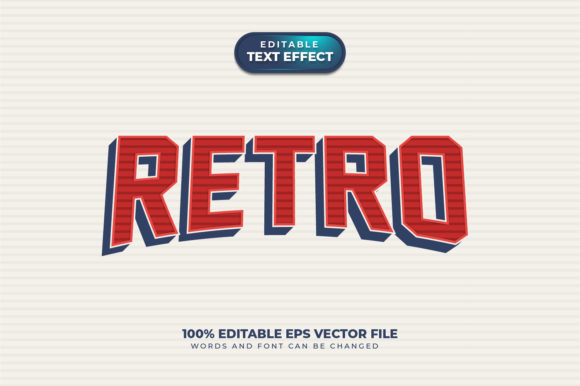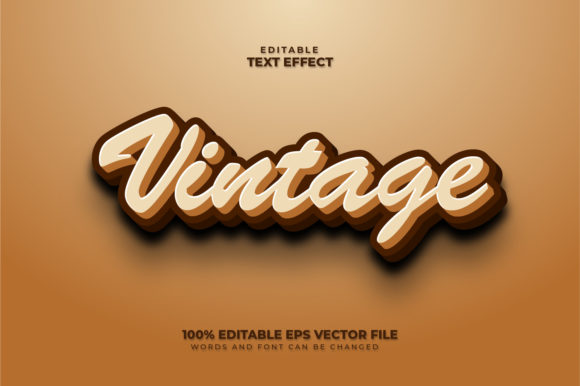
Vintage 3D Text Effect: Fully Editable Vector Design
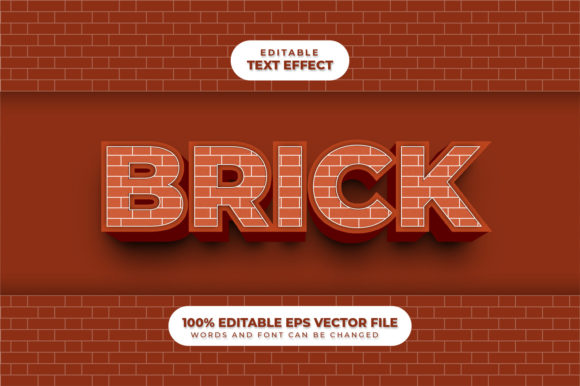
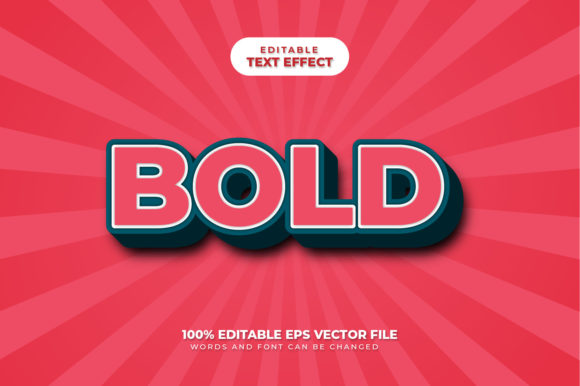
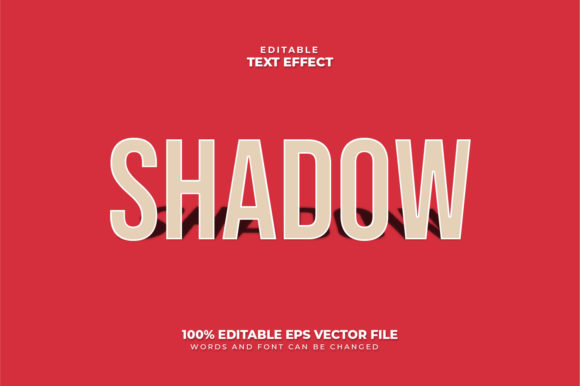
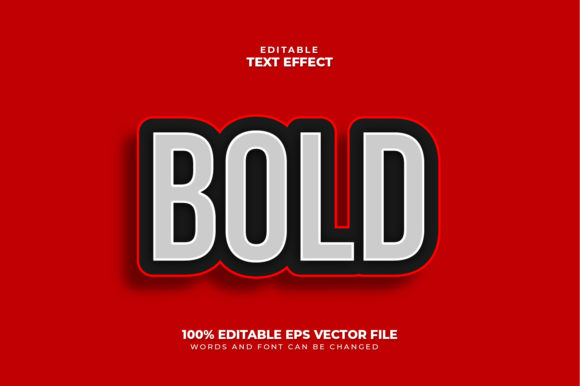
If you have ever wanted to add a touch of retro charm to your projects without spending hours mastering complex design software, this Vintage 3D Text Effect is exactly what you need. It represents a perfect blend of nostalgic aesthetics and modern flexibility. Unlike standard text that looks flat and static, this design brings words to life with depth, shadow, and texture that instantly grab attention. The best part? You do not need to be a graphic designer to make it work.
This resource is built on a fully editable vector foundation. This means the design is not locked into a specific size or format. Whether you are creating a tiny Instagram story or a massive billboard banner, the quality remains crisp and sharp. The core philosophy behind this tool is simplicity: just click and type. There is no complicated installation process or confusing layering system. It is designed to save you time while delivering professional results.
Understanding the Core Features
At its heart, this project is a powerful asset for anyone looking to elevate their visual content. It is important to understand that this is not a font. Instead, it is a sophisticated text effect design created specifically for Adobe Illustrator. While a font simply changes the shape of letters, this effect applies a complete artistic style—including gradients, shadows, and dimensional curves—that transforms ordinary text into a vintage masterpiece.
The design offers 100% editability. You can change every aspect of the look to match your brand identity or creative vision. Words, fonts, and sizes can be changed easily, giving you total control over the final output. If you prefer a bold, chunky lettering style, you can switch it out. If you want to use a delicate script font to contrast with the heavy 3D effect, you can do that too. The design adapts to whatever font you choose to apply it to, making it incredibly versatile.
Because it is a vector file, scaling is effortless. You can enlarge or reduce the design to any size you want without losing resolution. This is a critical feature for professionals who need assets that work across multiple platforms, from mobile screens to print media. The ability to resize without pixelation ensures your message always looks polished and high-quality.
Why Choose This Vintage Style?
In a digital world dominated by clean, minimalist trends, there is a growing demand for designs that feel warm, authentic, and human. The vintage aesthetic taps into nostalgia, evoking feelings of trustworthiness and classic style. This Vintage 3D Text Effect allows creators to stand out in crowded social feeds or marketplaces by offering a unique visual break from the norm.
For small business owners and entrepreneurs, this tool solves a common problem: how to create high-end graphics without hiring an expensive agency. Instead of paying for custom illustration, you can generate professional-looking headers, logos, and promotional banners in minutes. The "click and edit" workflow means you can iterate quickly, testing different headlines until you find the one that resonates most with your audience.
Beginners often feel intimidated by design software, but this approach removes that barrier. You do not need to learn how to manipulate nodes, adjust bezier curves, or manage complex transparency settings manually. The hard work of creating the 3D structure is already done for you. Your job is simply to input your message. This democratizes design, allowing hobbyists and educators to produce stunning visuals that would otherwise require years of practice.
Practical Applications Across Industries
The versatility of this editable vector design makes it suitable for a wide range of contexts. Here are several realistic ways you can put this tool to work:
- Social Media Marketing: Create eye-catching quotes, announcements, or event posters for Facebook, Instagram, and LinkedIn. The vintage look often performs well because it feels personal and curated rather than corporate.
- Brand Identity: Use the effect for logo variations or taglines on business cards and packaging. The 3D depth adds a tactile quality that makes printed materials feel more premium.
- Educational Materials: Teachers and trainers can use these designs to make slide decks, worksheets, and certificates look engaging and fun. Changing the text to fit different lesson topics takes seconds.
- Blogging and Web Design: Enhance blog post headers or website banners to increase click-through rates. A visually distinct title stands out against white backgrounds and encourages readers to dive deeper into the content.
- Event Promotion: Design flyers for concerts, workshops, or local markets. The retro vibe pairs exceptionally well with music festivals, art shows, and community gatherings.
Consider a scenario where a freelancer needs to pitch a concept to a client. They can quickly mock up a few variations of a headline using this effect, showing the client how different fonts and colors might look before committing to a full design. This speed and flexibility can be the difference between winning a contract and losing it to a competitor.
How to Get Started Quickly
Getting started with this Adobe Illustrator text effect is straightforward. Since it is a vector file, you will need Adobe Illustrator to open and edit it properly. Once opened, locate the text layer within the document structure. Select the text object and simply type your new message. As soon as you type, the vintage 3D styling automatically applies to your new words.
You can then swap the font family by highlighting the text and choosing a new typeface from your installed fonts. Notice how the 3D effect wraps around the new characters, maintaining its integrity regardless of the font style. You can also adjust the size by dragging the corners of the bounding box. Because the design scales perfectly, you can make the text huge for a poster or tiny for a profile icon without any loss of detail.
It is worth noting that while the effect is pre-built, you still have the freedom to tweak colors. If the default vintage palette does not match your brand, you can easily recolor the layers. This customization ensures that the design feels like it was made specifically for your project, rather than a generic template.
Important Considerations for Best Results
While this tool is user-friendly, there are a few things to keep in mind to ensure the best outcome. First, remember that the effect relies on the underlying font structure. Extremely thin or overly decorative fonts might lose some of the 3D detail when scaled down. For the clearest impact, stick to legible fonts with moderate weight.
Secondly, always export your final design in the correct format for your intended use. For web use, PNG or SVG formats preserve the vector quality and transparency. For print, ensure you export at a high resolution (300 DPI) to capture the fine details of the vintage texture. Although the vector source is infinitely scalable, the final output depends on how you prepare the file for delivery.
Finally, respect copyright if you plan to use third-party fonts. While the text effect itself is editable, the font files you choose must be licensed for your specific use case. By combining a licensed font with this flexible design, you create a unique piece of art that is both legally sound and visually striking.
Ultimately, this Vintage 3D Text Effect is more than just a graphic trick; it is a productivity booster. It empowers creators to focus on their message rather than the mechanics of drawing. With its ability to be enlarged, reduced, and edited with a single click, it fits seamlessly into the workflow of modern professionals and casual users alike. Whether you are launching a startup, teaching a class, or sharing a personal story, this design provides the visual polish needed to make your words heard.